
Beltrami County Court Record Requests
A case number makes everything easier, so start there. With it, Minnesota Court Records Online opens free public case details. Documents may follow when available, through its Document Search. Court Administration handles the local side. The office runs public terminals. It keeps locally stored paper files, issues uncertified or certified copies, and can explain a record that remote MCRO does not show. One tradeoff is worth knowing. A public terminal often displays more electronic public material than a home search reaches. Certified copies only come through Court Administration.
- Identify Beltrami County District Court, the case number or party locator, the document or date range, and the copy type needed.
- Check MCRO or Document Search for an available public, uncertified document.
- For a missing, older, certified, or paper record, call or visit Court Administration and ask which request route applies.
- Mail the request and a check or money order when instructed, with a return address and contact method.
- Parties may use Minnesota eFile and eServe with the case file number. Non-parties should ask Court Administration for administrative-file instructions rather than opening an account for someone else.
Some questions are better asked by phone. Court Administration can help with a case-number problem. It can also sort out an older local file, a calendar discrepancy, or anything about public access. Minnesota's copy guidance also provides request forms. A confidential record travels the CON100 and court-order route. That is nothing like an ordinary open-records request. Keep one distinction in mind. An MCRO download can be free when available. But Court Administration is the only route for a certified or exemplified copy.
Beltrami County Court Record Counter
Beltrami County has no separately branded county clerk for this work. Court Administration keeps the district-court case records. Staff maintain or locate local files. They point you to the correct fee and form, and provide or route certified and exemplified copies. Most counter requests finish the same day. A record stored offsite, though, can take longer to produce. The office also knows which records are public. And it knows which are confidential, remotely unavailable, or governed by an access order.
Beltrami County Court Administration
Beltrami County Judicial Center
600 Minnesota Avenue NW, Suite 108
Bemidji, MN 56601-3068
(218) 888-5060
Minnesota’s official access overview explains the choices among MCRO, public terminals, and local files.
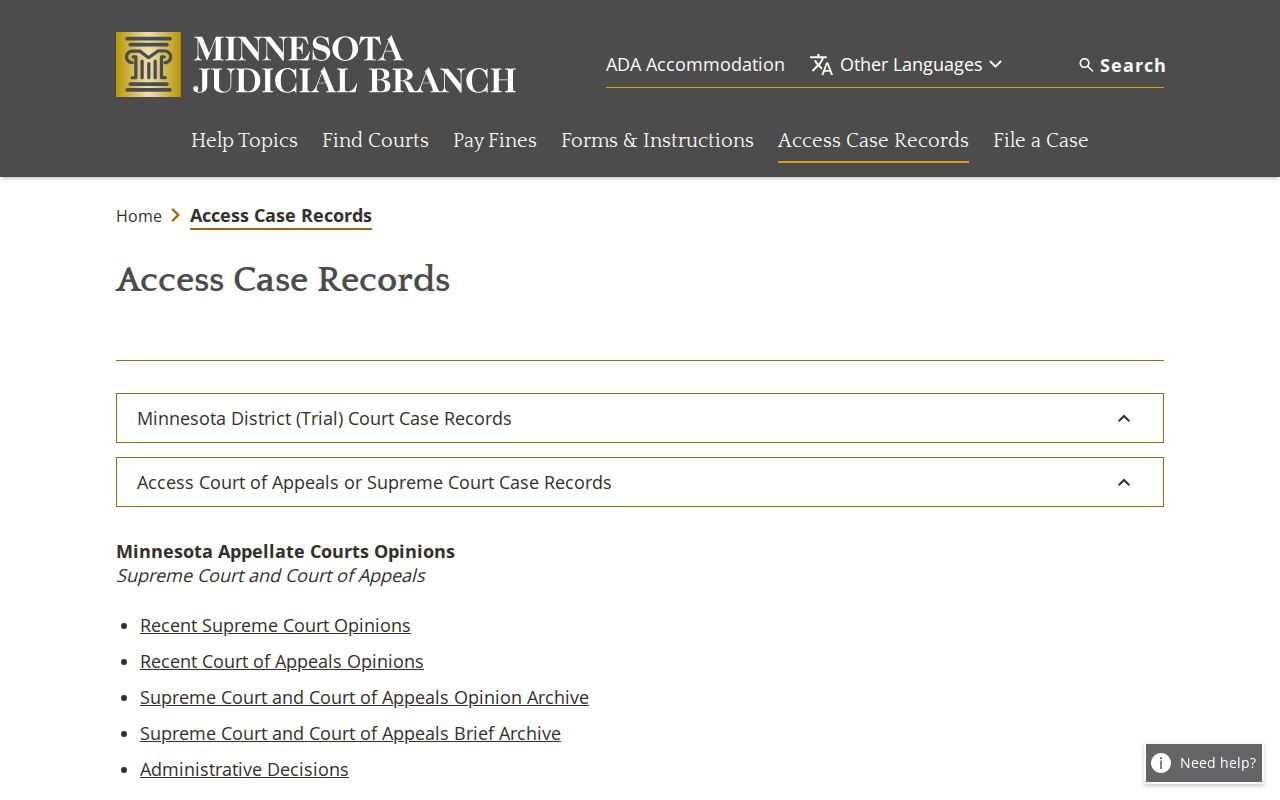
The access routes work together rather than in competition. A free remote screen is not the same as the fuller public electronic view at a terminal or a court-issued copy.
Kinds of Court Records
A Beltrami County court record is really several things at once. The Register of Acts is the chronological index. Behind each index line sits a filed document. That might be a complaint, answer, motion, affidavit, notice, order, judgment, or similar item. The daily calendar is different again. It lists the court's settings for the day and is not a case history. A transcript stands apart too. It is a record of spoken proceedings, and is not automatically an ROA document.
- Registers of Actions for civil, family, probate, juvenile, criminal, and traffic cases.
- Public pleadings, motions, notices, orders, opinions, and judgments where the access rules allow them.
- Daily-calendar entries showing a setting, time, hearing location, judicial officer, hearing type, and case number.
- Certified or exemplified copies issued through Court Administration.
- Transcripts of judgment docketed or issued, which use their own fee category.
Beltrami County Court Records in MCRO
For documents filed on or after July 1, 2015, MCRO generally makes public filings available in major and minor criminal and civil matters, formal and other probate, and guardianship, conservatorship, and trust cases. Family and post-adjudication paternity matters get narrower remote coverage. There the documents generally center on court orders, appellate opinions, and notices. More public judgments, orders, opinions, and notices may be available for certain documents filed from July 1, 2005 through June 30, 2015. When MCRO offers a document, the download is free. But it stays unofficial. Nothing downloaded becomes a certified or exemplified copy. MCRO Judgment Search is a separate route for monetary judgments, searched by debtor name and docketed date. It answers a narrower question than a complete case-file search.
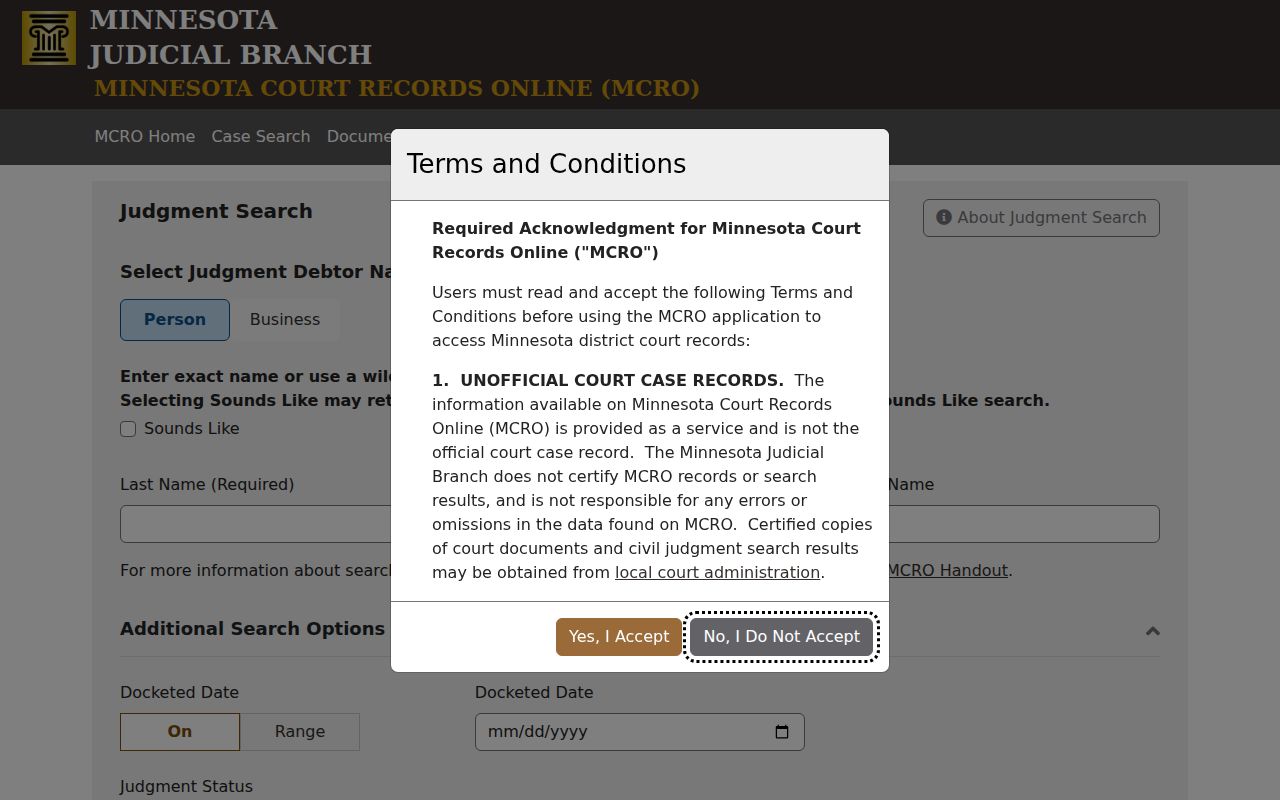
The judgment form shows why the request must match the record sought. A judgment search answers one narrow question. The Register of Actions or a request for a filed document answers much broader ones. Note that a public ROA entry can remain visible. An attachment may not be available for remote viewing.
Court Records: What They Contain
A Beltrami court case record starts with identifying information. From there it collects filings, settings, and entries. It also gathers any public disposition or judgment. The case file can hold more than the remote result shows. Public access does not reach every identifier, address, comment field, document, or exhibit. Ask for a particular document or date range. Do not assume the whole file looks the same in every form.
| Case header | Beltrami District Court, case number, category or subcategory, filing date, status, judicial officer, and location. |
|---|---|
| Parties and roles | Public party-role and attorney fields, subject to public-access restrictions. |
| Filings | Complaint, answer, motion, affidavit, summons, service, notice, order, judgment, and filing-date metadata when public. |
| Register of Actions | Chronological event date, entry description, filing party, public link when available, and docketing metadata. |
| Settings and results | Date, time, room, officer, hearing type, result, continued date, and public disposition or judgment information. |
Beltrami County Court Record Redaction
Minnesota General Rule of Practice 11 governs restricted identifiers. It keeps them in a Confidential Information Form or nonpublic document. The filer bears the first duty to redact. The court can step in if a correction is needed. Street addresses, phone numbers, Social Security numbers, employer-identification numbers, financial-account numbers, and other protected data never justify expanding a remote request. Rule 11's official text describes the restricted-identifier process.
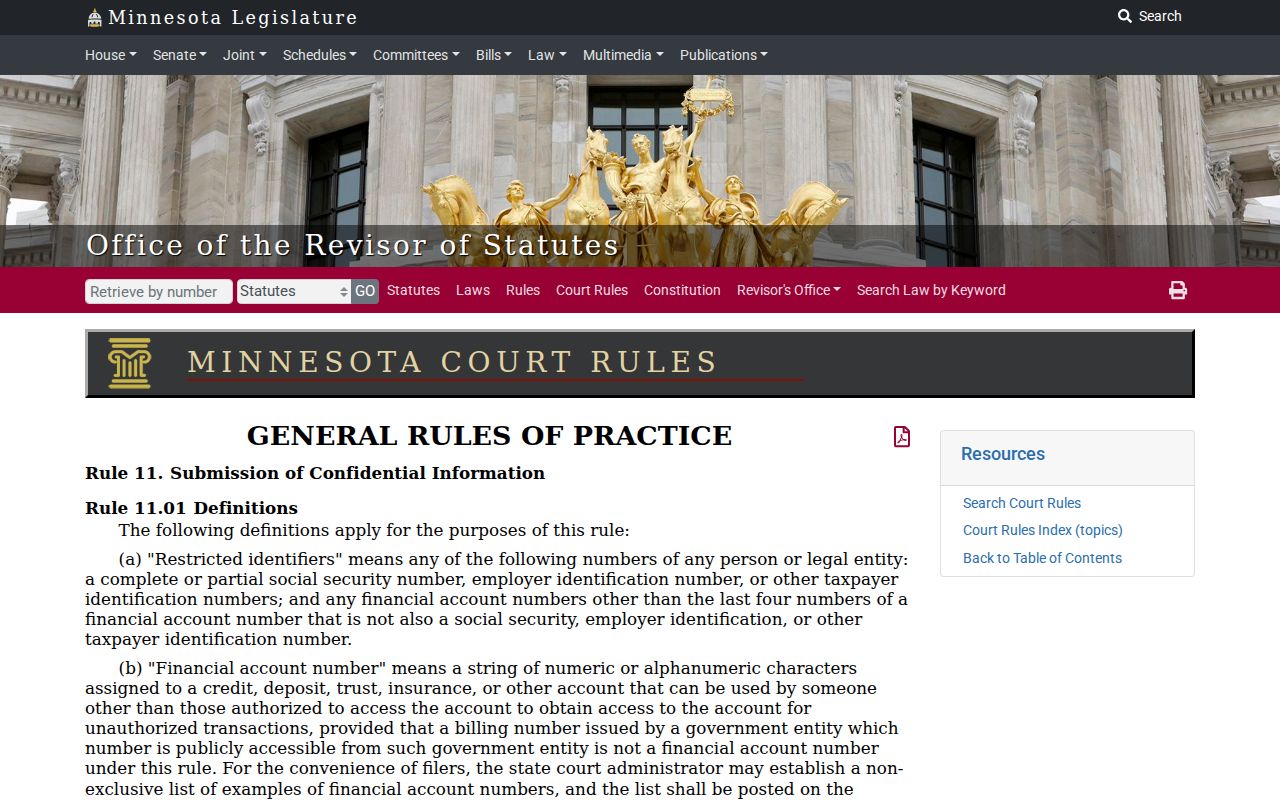
The redaction rule explains a puzzle in a Beltrami County court record search: a case heading can be visible while an attachment is not. Note that a restricted identifier belongs in the court's redaction or access procedure, never copied into an ordinary record request.
Copy Fees and Certification
Beltrami's district-court fee schedule splits access in two. Uncertified access is free. Issued certified and exemplified copies come at a charge. Confirm the current charge with Court Administration before ordering. This matters most where the schedule ties a calculation to the request itself. Checks go to the District Court Administrator. Qualifying requesters may ask whether a fee reduction or waiver applies. The Beltrami fee schedule contains the inspected copy, scan, fax, report, and transcript charges.
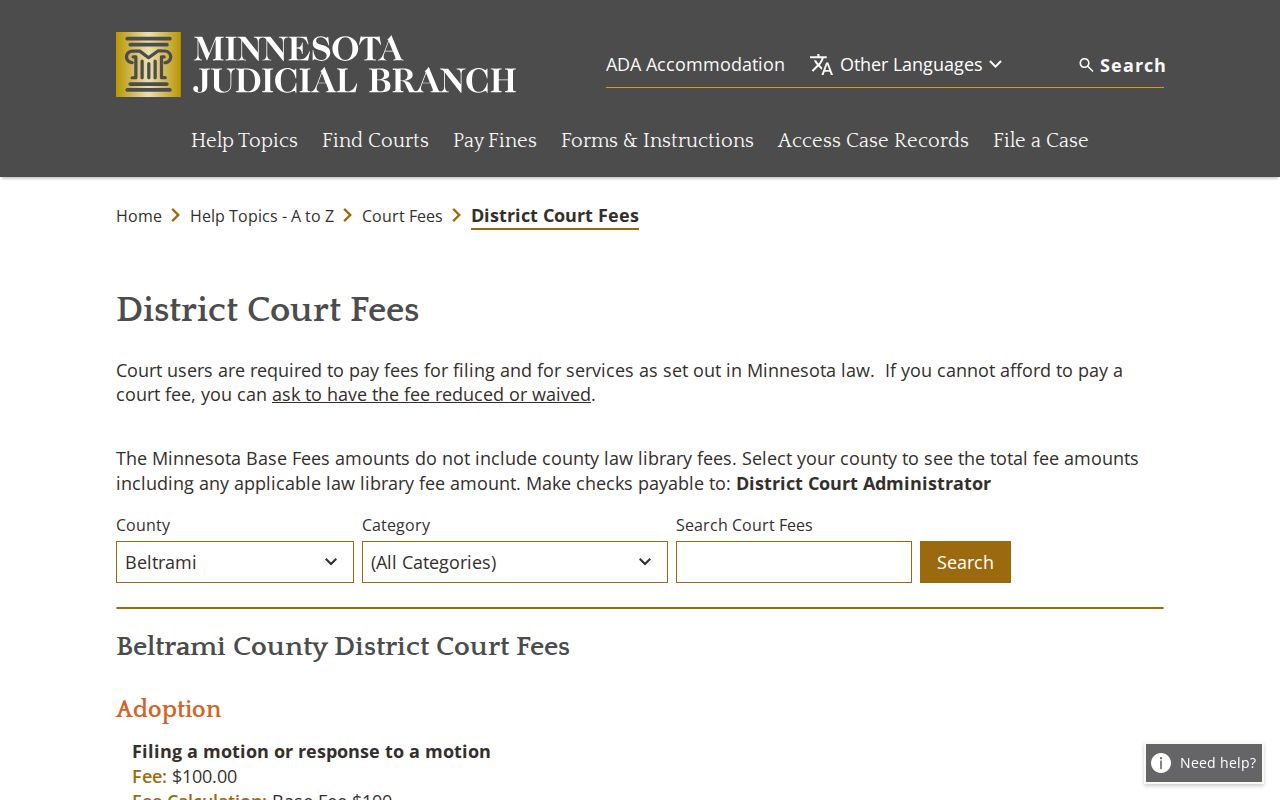
The schedule draws the line between an uncertified view and a certified or exemplified copy issued through Court Administration.
| Beltrami record item | Fee |
|---|---|
| Uncertified copy, printout, scan, or screen print | $0 |
| Certified copy or instrument, certified MNCIS printout, certified scan/picture requiring dismantling, or certified screen print | $14 |
| Exemplified plus certified copy | $28 |
| Exemplified plus uncertified copy | $14 |
| Scanning | $25 per 50 pages or part |
| Fax | $25 per 50 pages or part |
| Court Management System report, 1–50 pages | $5 per report |
| Court Management System report, more than 50 pages | $25 per 50 pages or part |
| Transcript of judgment docketed or issued | $40 |
| Forms packet, 1–10 pages / 11 or more pages | $0 / $5 |
| Certified judgment search, per name | $5 displayed; ask Court Administration to verify the total calculation |
Beltrami County Court Records Beyond MCRO
Beltrami County Court Administration keeps the county's case records. Its files cover civil, family, probate, juvenile, criminal, and traffic cases. What you can pull remotely depends on the case type. A family case in MCRO tends to show court-generated orders, notices, and opinions rather than every filing. Probate is different. Many public probate, guardianship, conservatorship, and trust documents filed on or after July 1, 2015 sit in MCRO. Older material may still need a counter trip. So may a paper file held locally. Say both the case type and the exact record you want. The clerk can then route you right.
MCRO is not the whole electronic universe, either. A public terminal at the courthouse can reach more than the remote interface. The State Law Library opens additional doors. Court Administration also hands out paper files at the counter. Some older files sit offsite. Plan on a wait for those rather than same-day service.
If you mail a written request, list the court and county. Include the case number if you have it, plus the case name or another non-sensitive locator. Add the exact document or date range, copy type, and delivery method. Do not forget your contact information and payment when required. A quick call first can save you trouble. You may avoid ordering the wrong format or a file that needs an access order.
Note: A courthouse terminal may show more electronic material than remote MCRO. Neither route changes a record's confidentiality status.
Access Rules for Court Records
Court rules govern Minnesota judicial records. A general county-data request does not apply. Minn. Stat. §13.90 exempts the judiciary from the Data Practices Act. It points you to Supreme Court rules instead. Rule 8 lets you inspect and copy public originals. Do so where they are normally kept, during regular hours. Remote access is narrower. A Beltrami County court record can be open at the courthouse for inspection. Yet it may carry no remote document link. Minnesota Rule of Public Access 8 is the rule to read. It sets out public inspection, copying, remote limits, and exclusions.
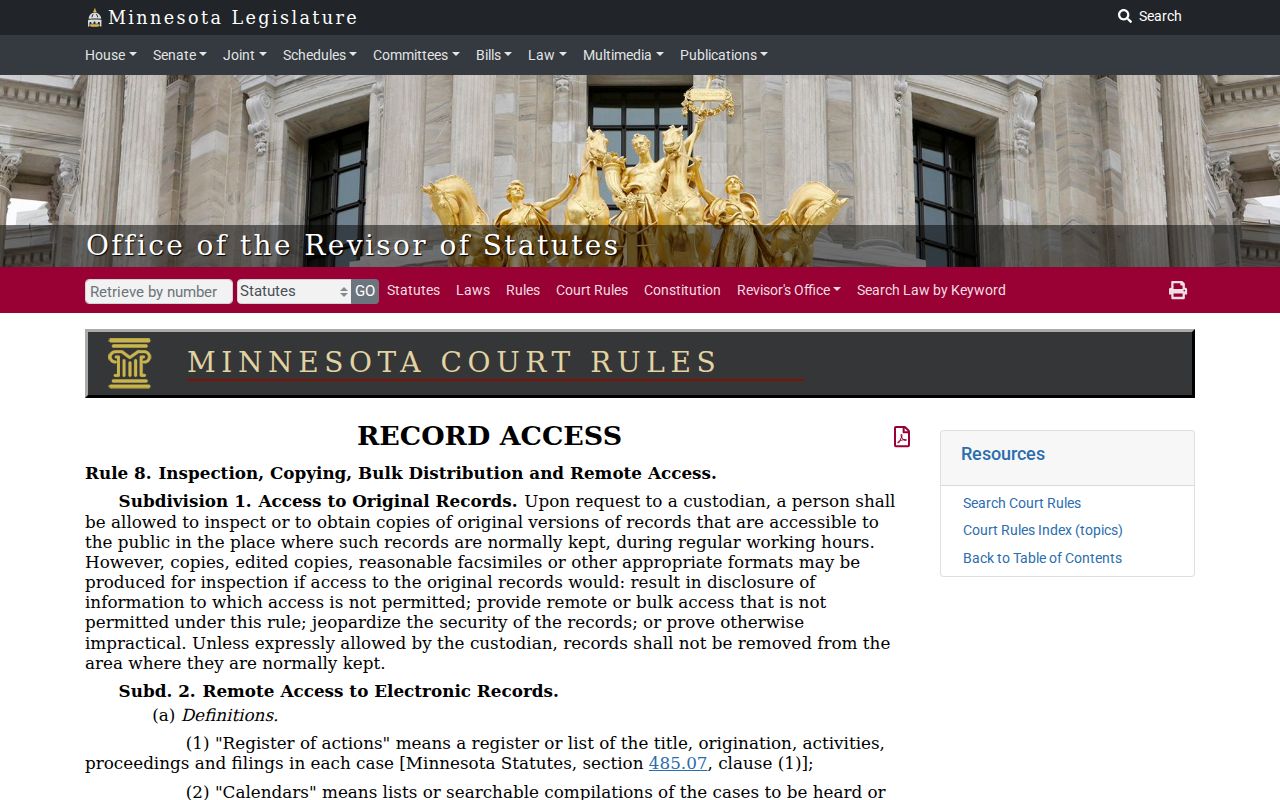
Rule 8 draws a line worth knowing. A court record can be public yet still fall outside the narrower set available remotely through a Beltrami County court record search.
Beltrami public-access rules:
Minn. Stat. §13.90 places judicial-data access under Supreme Court rules rather than a general data-practices request.
Rule 8 governs public inspection, copying, remote access, and exclusions.
Rule 11 directs restricted identifiers to confidential or nonpublic filings.
Minn. Stat. chapter 260B supplies the juvenile-record confidentiality framework.
Beltrami County Court Records and CON100
Confidential material takes a formal access path, not a regular copy request. The CON100 instructions tell you to use CON101. They lay out the caption fields. These are county, judicial district, court file number, case type, and case name or party. You also describe your involvement and the records sought. Add a detailed explanation of the need or use. File it with Court Administration in person, by mail, or through eFS. A judicial officer then decides access.
A sealed or restricted label says who can see the file, nothing more. It is not a ruling. Sealing does not establish dismissal, conviction, liability, or innocence. When a record you expected is missing, check the case number and category. Then ask about terminal access. Contact Court Administration about the correct rule or order.